The Ultimate Beginner’s Guide for Toca Boca World – Tips, Tricks, and Getting Started
Toca Boca World has become one of the most popular creative games for kids. It’s simple to use, safe for children, and gives endless freedom to create stories and characters.
This guide is for beginners who want to start playing without confusion. You’ll learn the basics, how to get started, and useful tips that make the game more enjoyable.
Kids spend more time on mobile games than ever. Parents want apps that mix fun with safe learning.
Toca Boca World offers that balance by letting children design their own worlds with no limit. By the end of this article, you’ll know how to install the game, create characters, unlock new places, and avoid common mistakes. It will help both kids and parents get the best out of Toca Boca World.
What is Toca Boca World?
Before you start playing, it’s good to know what this game is and why it stands out. Toca Boca World, also called Toca Life World, is not like most mobile games. Instead of focusing on missions or points, it gives players a creative playground where they decide what to do.
The game has been downloaded millions of times because it blends imagination with safe digital play. Kids can tell their own stories while parents feel confident about privacy and security.
Background and Developer
Toca Boca World was created by Toca Boca AB, a studio based in Sweden. The company later became part of Spin Master, a global toy brand.
Toca Boca has always focused on making digital toys that are safe, playful, and creative for children.
What Makes the Game Special
Unlike most games, Toca Boca World doesn’t push you toward goals or levels. Instead, it’s built like a digital dollhouse.
Players can drag characters, place items, and combine objects to act out stories in any way they like.
Platforms and Safety
The game is available on iOS and Android, and works especially well on tablets where kids have more screen space.
It follows COPPA rules and has kidSAFE certification, which means it’s built to protect children’s privacy.
Free and Paid Content
New players start with a small free town that has a few locations and characters.
Later, you can add packs such as schools, malls, and vacation spots. These come as optional in-app purchases.
Why Kids Love It
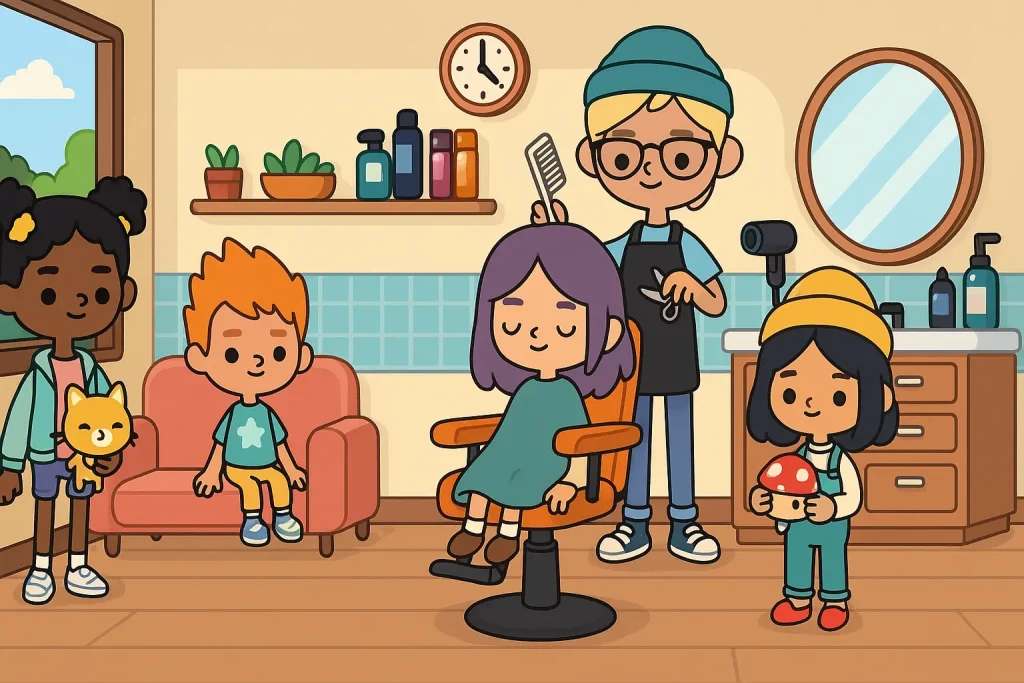
Children enjoy building characters with unique looks, decorating homes, and creating fun roleplay stories.
Parents like it because there are no random ads, and kids can learn problem-solving while having fun.
Getting Started: Installation & Setup
Before you can start playing Toca Boca World, you need to install and set it up correctly. The steps are simple, but beginners often miss small details that can save time and make the experience smoother. Knowing the right way to download, set up, and prepare the starter pack will make the game easier to enjoy from the very first day.
Where to Download the Game
Toca Boca World is available on both the App Store for iOS and the Google Play Store for Android devices. Always make sure to download it from the official store, as third-party websites may host fake or unsafe versions of the game. Installing directly from the official store also keeps your app updated whenever new features or bug fixes are released.
Device and System Requirements
The game is designed to run on most modern smartphones and tablets, but checking the system version is important. For iOS, you’ll need version 12 or higher, while Android users should have version 6.0 or later for smooth gameplay.
Tablets are highly recommended because the larger screen makes it much easier for kids to drag, drop, and interact with the game’s objects.
First-Time Setup
Once the app is installed, opening it for the first time will automatically load a starter world. This includes a small town with a few locations and some basic characters to begin with. One of the best parts of Toca Boca World is that you don’t need to create an account or share personal details, which makes it safe and simple for kids to start right away.
Creating a Profile
While an account is not required, the game does allow you to create profiles if needed. This is especially helpful when the app is shared between siblings on the same device.
Each profile stores its own characters, homes, and unlocked packs, which prevents children from accidentally editing or deleting each other’s progress.
Understanding the Starter Pack
Every new player begins with free starter content that’s designed to introduce the basics of the game. This usually includes a small town, a character creator tool, and a few pieces of furniture to decorate with.
It’s more than enough for kids to learn the controls and mechanics, and parents can later decide if they want to purchase additional packs to expand the world further.
Common Setup Issues
Sometimes the game may load slowly during the first launch, especially on older devices. A stable internet connection is needed for the initial setup, but once installed, the game can be played offline.
If you experience any errors or crashes, restarting the device or reinstalling the app usually fixes the issue without much hassle.
Navigating the Game Interface
Understanding the game’s layout is important for beginners. Toca Boca World has a simple interface, but first-time players may feel lost without guidance. Learning how to use the map, menus, and customization features will help you get the most out of the game from the start.
The World Map
The main screen of the game is the world map, which shows all available locations. At first, you’ll only see the starter town with a few basic areas. As you unlock more packs, new places appear on this map, such as schools, hospitals, malls, and vacation spots. The map is where you choose which location you want to enter and play in.
Locations and Buildings
Every location has its own set of buildings, objects, and interactive elements. For example, in a hospital, you’ll find medical tools, patient beds, and staff characters. In a mall, you’ll see stores and food courts. Each building can be entered with a tap, and every object inside can be picked up, moved, or combined with others, which keeps the game fun and engaging.
Character Menu
The character menu is where you select or create your players. From here, you can drag characters into the world and move them around. The game lets you choose from pre-made characters, or you can design new ones using the character creator.
Kids often spend hours here because they enjoy customizing outfits, hairstyles, and accessories.
Customization Options
One of the best parts of Toca Boca World is how much freedom you get to customize. You can design characters, decorate homes, and set up entire buildings with furniture and props.
Each location gives a new set of items, so the more packs you unlock, the more creative options you’ll have. Customization is also simple, as everything is drag-and-drop, making it easy for kids to understand.
Menus and Settings
The settings menu allows you to adjust sound, music, and language. Parents can also manage in-app purchases here, which is useful for preventing accidental buys. The interface is designed to be child-friendly, so even younger players can navigate without confusion. Still, parents may want to help during the first setup.
Offline and Online Play
Toca Boca World can be played offline after installation, which is helpful for kids without constant internet access. However, to download updates or new packs, you’ll need a stable connection. This balance makes the game flexible, giving children a chance to play safely without needing to stay online all the time.
Beginner Tips & Tricks
Starting Toca Boca World is easy, but knowing a few smart tips will help you enjoy the game more. These tricks save time, make play smoother, and open up creative options that many beginners miss in the first few days.
Creating Characters
Use the character creator to make unique avatars instead of sticking with pre-made ones. This lets kids express their own style with clothing, hair, and accessories. The more packs you unlock, the bigger the customization library becomes, giving endless variety for character design.
Decorating Homes
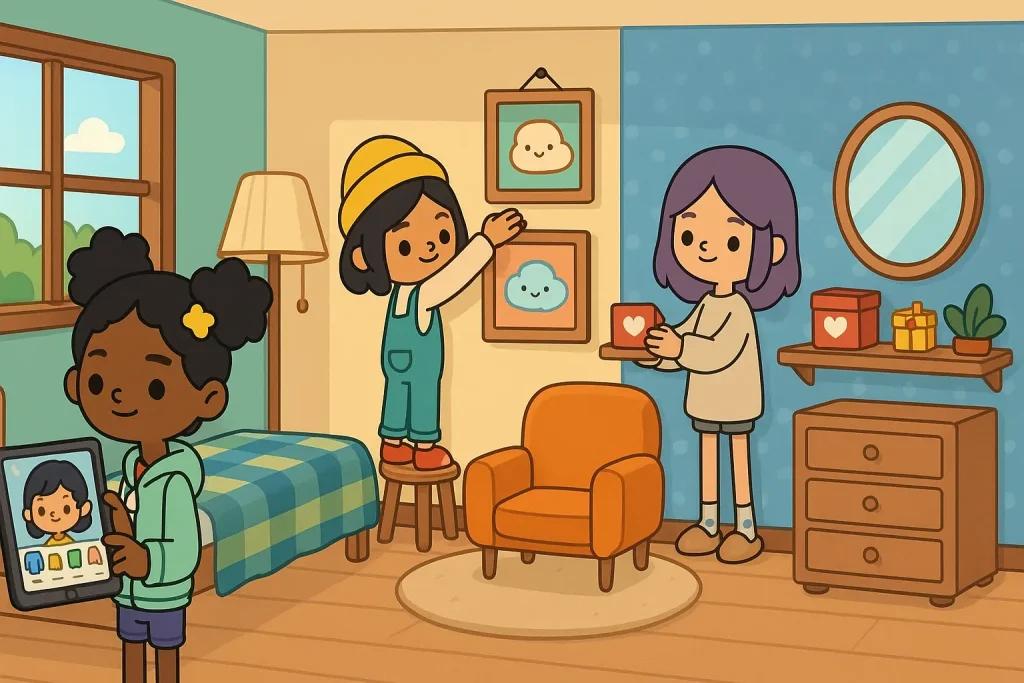
Even with the free starter pack, you can decorate houses with basic furniture. Arranging beds, tables, and decorations makes the space feel personal and fun. As you buy more packs, you’ll gain access to advanced items, allowing full creative control over interiors.
Experimenting With Objects
Toca Boca World has a hidden layer of fun through object interactions. Many items can be combined to create surprises, like mixing food to make meals or dressing characters in unusual ways. Encourage kids to experiment freely, as the game rewards curiosity.
Saving Progress
The game saves progress automatically, but it’s best to check often by reopening the world. On devices with multiple players, using profiles prevents characters or homes from being lost. Parents should remind kids to avoid deleting the app, as this can remove saved content.
Using Free Content Wisely
Don’t rush to buy packs right away. The starter content is enough to learn the basics and explore the game mechanics. Once kids know what they enjoy most — like schools, pets, or shops — then you can decide which packs to add for long-term value.
Cloud Sync Options
If the game is played across multiple devices, cloud sync ensures progress isn’t lost. Linking the app with the same account allows characters and locations to carry over. This feature is useful for families who share tablets and phones.
Understanding In-Game Content
Toca Boca World is more than just the starter town. The real fun begins when you explore the variety of content inside the game. Some features are free, while others require in-app purchases, and knowing the difference helps parents decide what’s best for their kids.
Free Starter Content
When you first install the game, you get a starter pack with a small town and basic characters. This is enough to understand the controls and enjoy roleplay without spending money. Kids can create simple stories, decorate a basic home, and explore everyday interactions.
Premium Expansion Packs
Beyond the starter pack, there are many optional paid packs. These include popular locations like Toca City, Toca Vacation, Toca School, and Toca Pets. Each pack adds new characters, items, and places to the world map, expanding creative options. Parents can choose which packs fit their child’s interests best.
Seasonal and Special Updates
The developers release limited-time updates during holidays like Halloween or Christmas. These updates often include themed decorations, costumes, and events. While some are free, others may require purchase, giving kids a chance to celebrate seasons inside the game.
The In-App Store
The game includes a store where all packs and bundles can be purchased. Items are grouped by category, such as houses, furniture, or character sets. Parents can manage purchases through device settings to avoid accidental buys, making the store safe for children to browse.
Bundles and Discounts
For families planning to unlock multiple packs, bundle deals are often more cost-effective. These combine several locations into one purchase at a lower price. It’s a good way to expand the world while saving money compared to buying packs individually.
Balancing Free and Paid Play
Not every player needs to buy extra packs right away. Many families find the free content enough for casual play. Adding premium packs later gives kids something fresh to look forward to without overwhelming them from the start.
Creative Play & Storytelling
The biggest strength of Toca Boca World is the freedom it gives players to create their own stories. Unlike traditional games with fixed goals, here children decide what happens, who takes part, and how events unfold. This open-ended play helps build imagination, problem-solving, and confidence while keeping kids entertained.
Roleplay and Imagination
Children can turn everyday life into fun roleplay inside the game. A character might run a shop, work in a hospital, or go on a pretend vacation. These activities allow kids to act out situations they see in real life, which makes play both familiar and creative.
Creating Stories With Multiple Characters
The game supports interactions between many characters at once. Players can invite friends, family members, or new characters they create into a single scene. Moving characters around, giving them objects, and letting them interact with the environment turns small actions into full stories.
Designing Homes and Spaces
Storytelling becomes richer when kids build the right settings. Decorating homes, arranging schools, or setting up a cafe adds depth to the stories they create. Each location provides unique furniture and props, which gives more variety to the way stories can be told.
Encouraging Learning Through Play
While the game looks simple, it encourages soft learning skills. Children learn how to organize, plan, and even solve small problems while building their worlds. Parents and teachers often use the game to introduce lessons about creativity, teamwork, and imagination in a way that feels natural.
Safe Sharing Options
Kids often want to share their stories with others. The game allows safe sharing through screenshots or in-app tools without exposing personal information. Parents can guide children in sharing responsibly, which adds another layer of fun while keeping safety in check.
Safety, Privacy, and Parental Controls
For beginners, especially kids, safety is as important as fun. Parents want to know the game won’t expose children to harmful content or risky purchases. Toca Boca World is built with child-friendly design, but knowing how to use its safety features makes the experience even better.
In-App Purchases and Spending Control
The game includes optional purchases for packs and bundles. Beginners may not realize how quickly these costs can add up. Parents should set up spending limits or require approval before purchases are made. This keeps play stress-free and ensures kids focus on creating stories instead of asking for new packs too often.
Ads-Free Experience
Unlike many mobile games, Toca Boca World doesn’t interrupt players with random ads. Beginners can enjoy the game without distractions or unsafe links. This makes it easier for children to stay focused on roleplay and for parents to trust the app as a safe choice.
Privacy and Data Protection
The game follows child protection laws like COPPA and has kidSAFE certification. Beginners don’t need to sign up with emails or share personal details. This reduces risks while keeping the setup process simple. Parents can be confident that the game respects privacy from the start.
Parental Control Settings
Parents can manage purchases, language, and game access through device settings. Beginners often explore freely, so these controls help guide safe play. Setting limits ensures that children enjoy the game responsibly while avoiding accidental spending or changes.
Safe Play for Beginners
Since many beginners are young kids, safe design is what makes Toca Boca World stand out. With no chat features, no public sharing, and no ads, the focus stays on creativity. This gives children a secure space to experiment, learn, and build confidence as they get started.
Wrap-up
Toca Boca World is more than just a game; it’s a space where kids can be creative without limits. Beginners may feel unsure at first, but once the basics are clear, it becomes easy to build characters, design homes, and create fun stories.
Parents can trust the game because it’s safe, ad-free, and built with children in mind. Kids love it because they control everything, from the way characters look to how stories unfold. With free starter content and the option to add more later, it’s flexible for every family.
For beginners, this guide gives everything needed to get started the right way. With a little creativity, Toca Boca World can keep kids entertained, learning, and storytelling for years to come.
Frequently Asked Questions
Is Toca Boca World free to play?
Yes, the game is free to download and comes with a starter pack that includes a small town and some characters. Extra packs are optional and can be purchased later.
Do I need the internet to play?
You only need the internet to download the app and buy new packs. Once installed, Toca Boca World works offline, so kids can play anywhere without constant Wi-Fi.
How many locations are free in Toca Boca World?
The starter pack includes one town with a few free locations. More locations can be added through in-app purchases if kids want to expand their world.
Can kids play Toca Boca World safely?
Yes, the game is designed for children and follows safety rules like COPPA. There are no ads, no chat features, and no need to share personal details.
What’s the difference between Toca Life apps and Toca Boca World?
Toca Boca World combines all the older Toca Life apps into one single game. Instead of downloading many separate apps, everything is now available in one place.
Can I share my child’s stories with others?
The game allows safe sharing through screenshots or saving progress. It doesn’t have open chat or social sharing, which keeps kids safe while still letting them show their creations.
Which packs should beginners buy first?
It depends on what the child enjoys most. Popular starter choices are the school, hospital, or pets pack. These give more characters, items, and roleplay options right away.